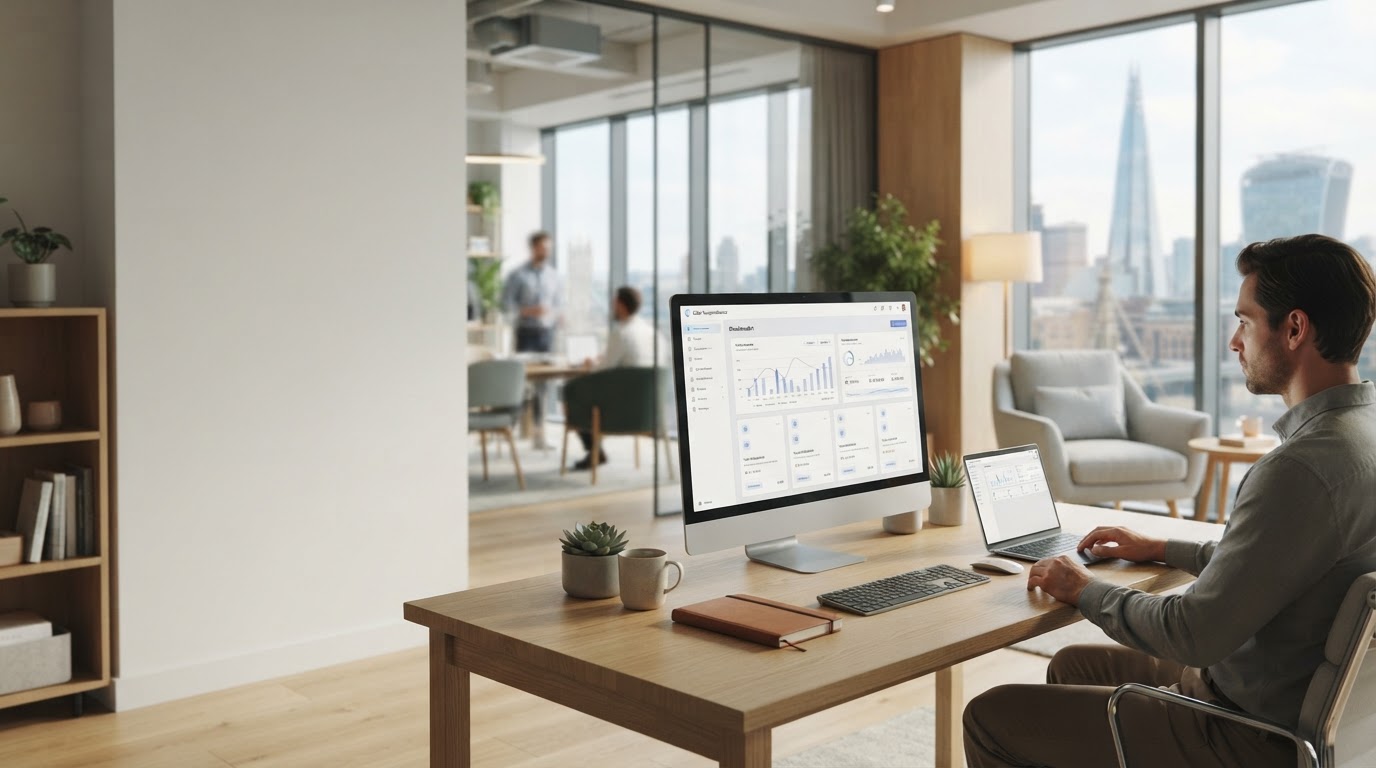
Every feature, built for clearer decisions
Clear Swapholdance brings together the data, structure, and context professionals need to evaluate a portfolio without switching between a dozen tabs and exchange dashboards.
A single workspace for monitoring, comparing, and understanding activity across connected exchanges.
One dashboard, every connected exchange
Instead of logging into separate platforms to piece together a picture of your holdings, Clear Swapholdance consolidates balances, positions, and activity into a single, structured view.
- Aggregated balances See combined holdings across connected accounts without manual reconciliation.
- Consistent formatting Data from different sources is normalized so comparisons stay meaningful.
- Adjustable views Switch between summary and detailed layouts depending on what you need.

Built around clarity
Every panel is designed to reduce noise, so the numbers that matter are easy to find and easy to trust.
What Clear Swapholdance gives you
A closer look at the features that make day-to-day portfolio review faster and more consistent.
Multi-Exchange Sync
Connect multiple exchange accounts and view them together, removing the need to check each platform separately.
AI-Supported Summaries
Get plain-language summaries of portfolio movement and composition, generated from your aggregated data.
Custom Dashboard Layouts
Arrange panels and metrics in the order that matches how you actually review your positions.
Historical Activity Log
Review past account activity in one place instead of exporting and comparing separate statements.
Cross-Exchange Metrics
Compare figures like allocation and exposure across accounts using a consistent set of definitions.
Role-Based Views
Set up views suited to how your team works, whether that's a full overview or a narrower focus.
From connection to clarity
Getting a unified view of your portfolio follows a straightforward process.
Connect your accounts
Link your exchange accounts to Clear Swapholdance so your data can be pulled into a single dashboard.
Let the data normalize
Balances and activity from different sources are structured into a consistent format for comparison.
Review and decide
Use the consolidated view and AI-supported summaries to inform your next portfolio decision.
Built for how professionals actually work
Clear Swapholdance adapts to different ways of managing a multi-exchange portfolio.
Start the day with one clear view
Rather than logging into several exchange platforms each morning, open a single dashboard that already reflects your combined positions.
- Consolidated balance overview
- Recent activity across accounts
- Quick visual summary of exposure
Compare accounts without spreadsheets
When it's time to assess allocation or performance across exchanges, rely on normalized figures instead of manually reformatting exports.
- Side-by-side account comparison
- Consistent metric definitions
- Adjustable summary detail
Give the right people the right view
Configure dashboard access so colleagues see the level of detail relevant to their role, from a broad summary to granular activity logs.
- Role-based dashboard layouts
- Shared access to unified data
- Reduced back-and-forth on reporting
Features, explained
Which exchanges can I connect to Clear Swapholdance?
Clear Swapholdance is built to work with multiple exchange accounts. Specific supported platforms and connection requirements are outlined during setup.
Is the AI-supported summary a replacement for my own analysis?
No. The summaries are meant to support your review process by surfacing structured information, not to serve as financial advice or a final decision-making tool.
Can I customize which metrics appear on my dashboard?
Yes. Dashboard layouts can be adjusted so the panels and metrics shown match how you prefer to review your portfolio.
Does Clear Swapholdance store my exchange credentials?
Account connection details and data handling practices are described in our Privacy Policy and Terms of Service, available in the site footer.
See these features in your own dashboard
Explore how a unified, AI-supported view can simplify the way you track and compare your portfolio across exchanges.
Explore the DashboardNo obligation. Reach out to learn more about setup and access.